
From AI Demos to Durable Workflows: A Practical Framework
Turn flashy AI demos into durable, testable workflows with clear inputs/outputs, quality checks, right-sized automation, and minimum-viable documentation.
1) Stop Chasing Demos—Start Designing Workflows
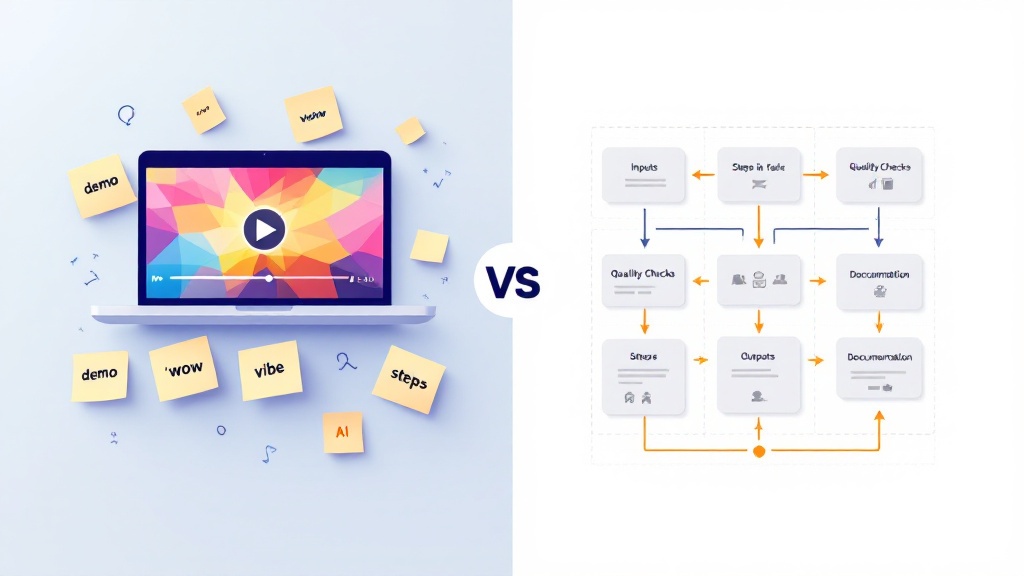
AI demos are optimized for “wow,” not for work. They skip the messy parts: inconsistent inputs, edge cases, quality standards, and what happens when a model or UI changes. That’s why many teams binge tutorials yet struggle to ship reliable ai-workflows that actually improve productivity.
A durable workflow is repeatable by someone else, on a different day, with the same expectations. Think of it as process-design for AI: you’re not just learning a tool—you’re defining a system with stable steps, measurable outputs, and a feedback loop.
The goal isn’t maximum automation; it’s dependable results. When you treat a demo as a prototype, you can convert it into a real workflow that survives tool updates, handoffs, and scale. The framework below will help you turn “prompting magic” into a documented process with checks, thresholds, and a clear path for iteration.
2) The Durable Workflow Framework: Inputs → Outputs → Checks → Automation
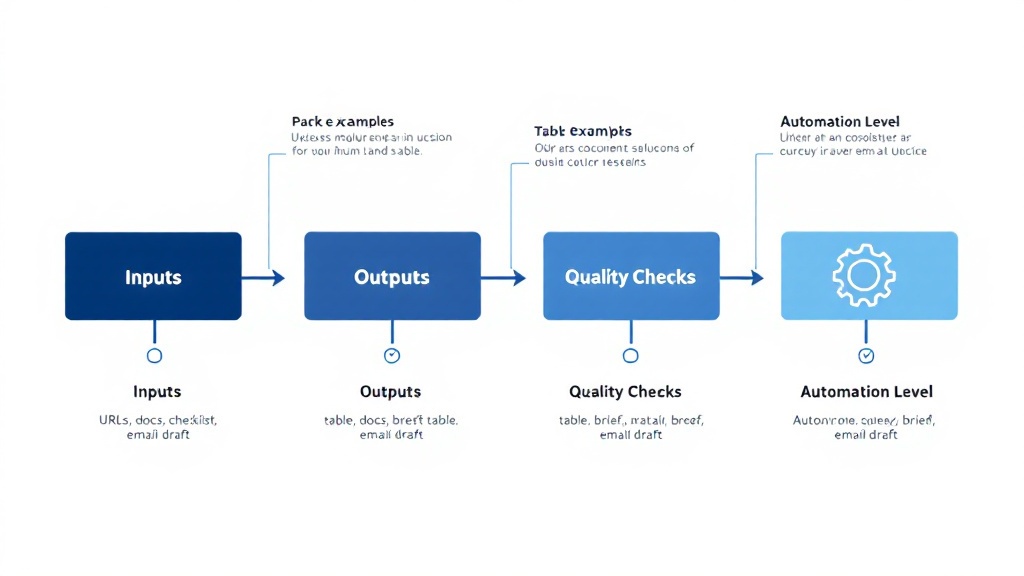
Start by locking in inputs and outputs. Inputs aren’t just “a prompt”—they’re the source types, formats, and constraints (e.g., 10 competitor URLs, last 7 days, English-only). Outputs should be equally explicit (e.g., a table with columns, a summary length, citations). This single move upgrades random prompting into an implementable spec.
Next, define quality checks that don’t depend on your mood. Use lightweight gates: factuality (citations required), completeness (must cover X categories), and style (tone, length, reading level). Add a “failure mode” rule: what happens when the model can’t access a source, returns blanks, or contradicts itself? Reliable ai-workflows assume failure and handle it.
Finally, choose the right level of automation. Automate the repeatable middle (collection, parsing, formatting), but keep human judgment where it matters (final claims, positioning, strategy). The best productivity gains come from right-sizing automation—not from forcing full autonomy before your process-design is ready.
3) Make It Survive Updates: Minimum Viable Steps + Living Documentation

To make a workflow durable, document the minimum viable steps: the smallest sequence that reliably produces an acceptable output. Capture the “why” behind each step (what it prevents or improves), not just the “click here.” This is how your ai-workflows survive model changes, UI redesigns, and team handoffs without collapsing back into vibe-based prompting.
Use living documentation: a one-page checklist, a prompt pack, and a versioned template. Include: required inputs, the exact output schema, quality thresholds, and a short troubleshooting section (“If summaries get vague, tighten constraints; if tables misalign, enforce JSON/CSV”). Treat updates as scheduled maintenance—review monthly or whenever tooling shifts.
Last, close the loop with practice and feedback. Post outputs for review, run office-hour teardowns, and iterate based on real failures. That community feedback loop turns process-design into a habit, not a one-off build. Durable automation isn’t a miracle—it’s a system you can rerun, test, and improve.